Surround Speaker Check 2.4 Adds New Way to Test Dolby Atmos
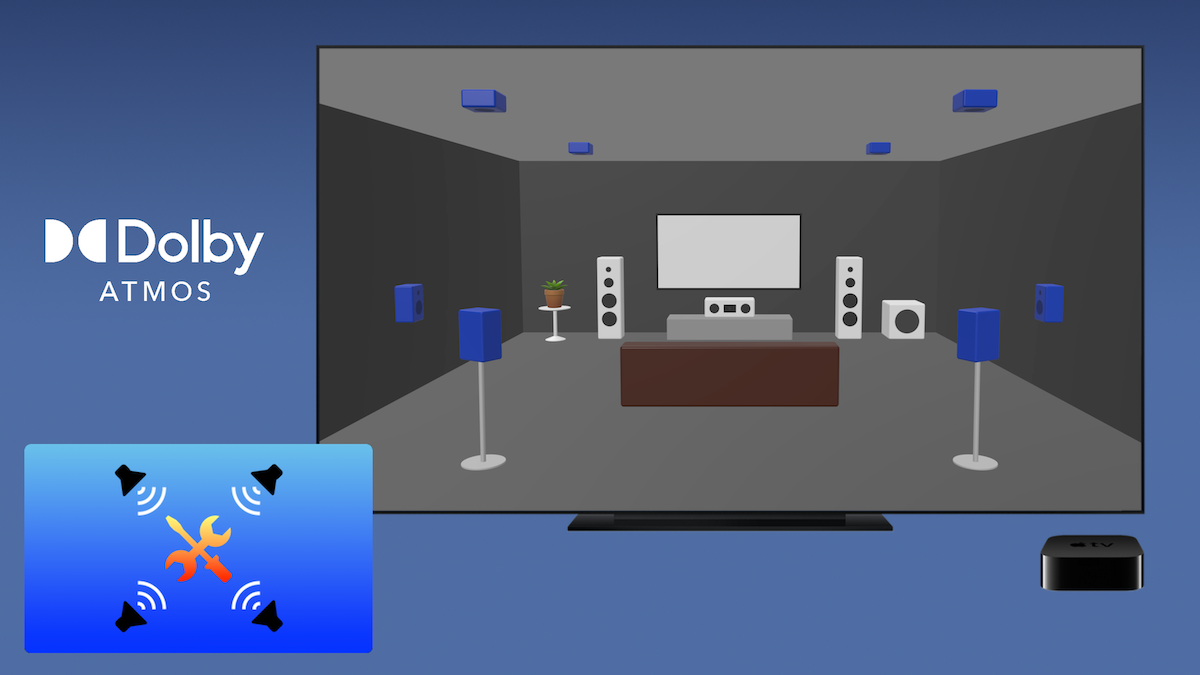
Surround Speaker Check’s latest update adds a new layer of troubleshooting on the Apple TV: a legacy Dolby Digital 5.1 format setting that helps distinguish general surround sound issues from ones specific to Dolby Atmos processing. Here’s how it works, and what to do once you’ve identified the problem.
Troubleshooting Dolby Atmos compatibility issues
Dolby Atmos playback on Apple TV can go wrong in a few recognizable ways: missing channels, channels playing out of order, or no surround sound at all. However, if 5.1 surround sources play back fine but something feels off specifically with Atmos content, that can be a sign that a device somewhere in the signal chain isn’t accurately decoding or passing through the Atmos signal. That’s where Surround Speaker Check version 2.4 comes in. The update introduces a new legacy Dolby Digital 5.1 playback option, found on the app’s Info page under Settings, which lets users test their setup using Dolby Digital Plus format audio instead of Dolby Atmos. If a system passes either of the free Speaker Check 5.1 tests with the legacy setting enabled but fails when testing Atmos, that's a clear sign a piece of gear isn't handling the Atmos signal correctly. If the legacy test fails as well, the issue likely isn’t Atmos-specific, and it’s worth ruling out cables, connections, or device settings before troubleshooting further.
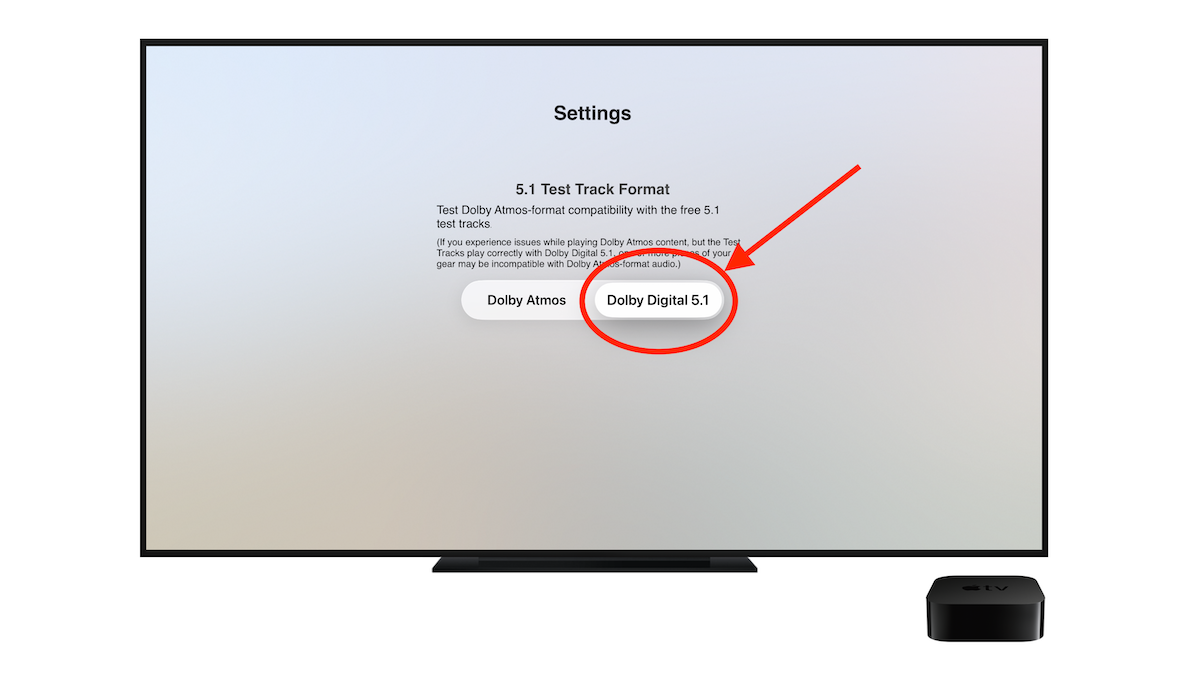
Once Atmos has been identified as the issue, a few options remain. If the Apple TV is currently connected to the TV rather than directly to the sound bar or receiver, the first thing to try is making that direct connection. If a direct connection isn’t possible, perhaps because the sound bar or receiver only has a single available HDMI input, check whether the TV has an audio passthrough setting buried in its settings menu; enabling this can sometimes resolve the issue without any other changes.
When connecting the Apple TV directly to the soundbar isn’t possible, check your TV audio settings for an audio passthrough option
If neither of the previous troubleshooting steps helps, the next option is enabling Dolby Digital 5.1 directly in the Apple TV’s tvOS settings. This is a reliable workaround, though it comes with some downsides: it disables Atmos entirely, caps out any 7.1 or higher multichannel audio, and forces the Apple TV to compress and encode its internal audio again into a lossy format. These downsides are worth weighing, especially if this ends up being your only workaround.
Finally, if the issue persists and it’s time for a device upgrade anyway, consider a sound bar or speaker system with more than one HDMI input, which avoids the problem of passing signal through the TV entirely. Replacing the TV itself isn’t recommended, as it’s an extreme step with no guarantee a newer model will handle Atmos any better.
Quick Reference: Troubleshooting Dolby Atmos Playback
- If your setup seems to handle 5.1 sources fine but something feels off with Atmos playback, run one of the free Surround Speaker Check 5.1 test tracks with Legacy Dolby Digital 5.1 enabled.
- Run the same test with Atmos re-enabled to compare results.
- If both tests fail, the issue likely isn’t Atmos-specific. Rule out cables, connections, or device settings before troubleshooting further.
- If Atmos fails but Dolby Digital 5.1 passes, check whether the Apple TV is connected directly to the sound bar or receiver. If it isn’t, try making that connection.
- If a direct connection isn’t possible, check the TV for an audio passthrough setting.
- If neither option resolves the issue, enable Dolby Digital 5.1 in the Apple TV’s tvOS Settings app. (This option is typically found under Settings/Video and Audio/Audio Format.)
Surround Speaker Check’s new Legacy Dolby Digital 5.1 setting is a free update for all users and expands on the app’s many existing test features. For more extensive testing, including subwoofer checks and full-length spatial audio tracks, an in-app subscription unlocks unlimited access to over two hours of Dolby Atmos tests and demo content.
Download Surround Speaker Check 2.4 today on the iOS and tvOS App Stores. (On Apple TV, search for “Surround Speaker Check” in the tvOS App Store)